The Revfaro product
Understand your traffic. Follow the revenue.
See which channels bring customers, explore their journeys and give every team the right access to your websites.
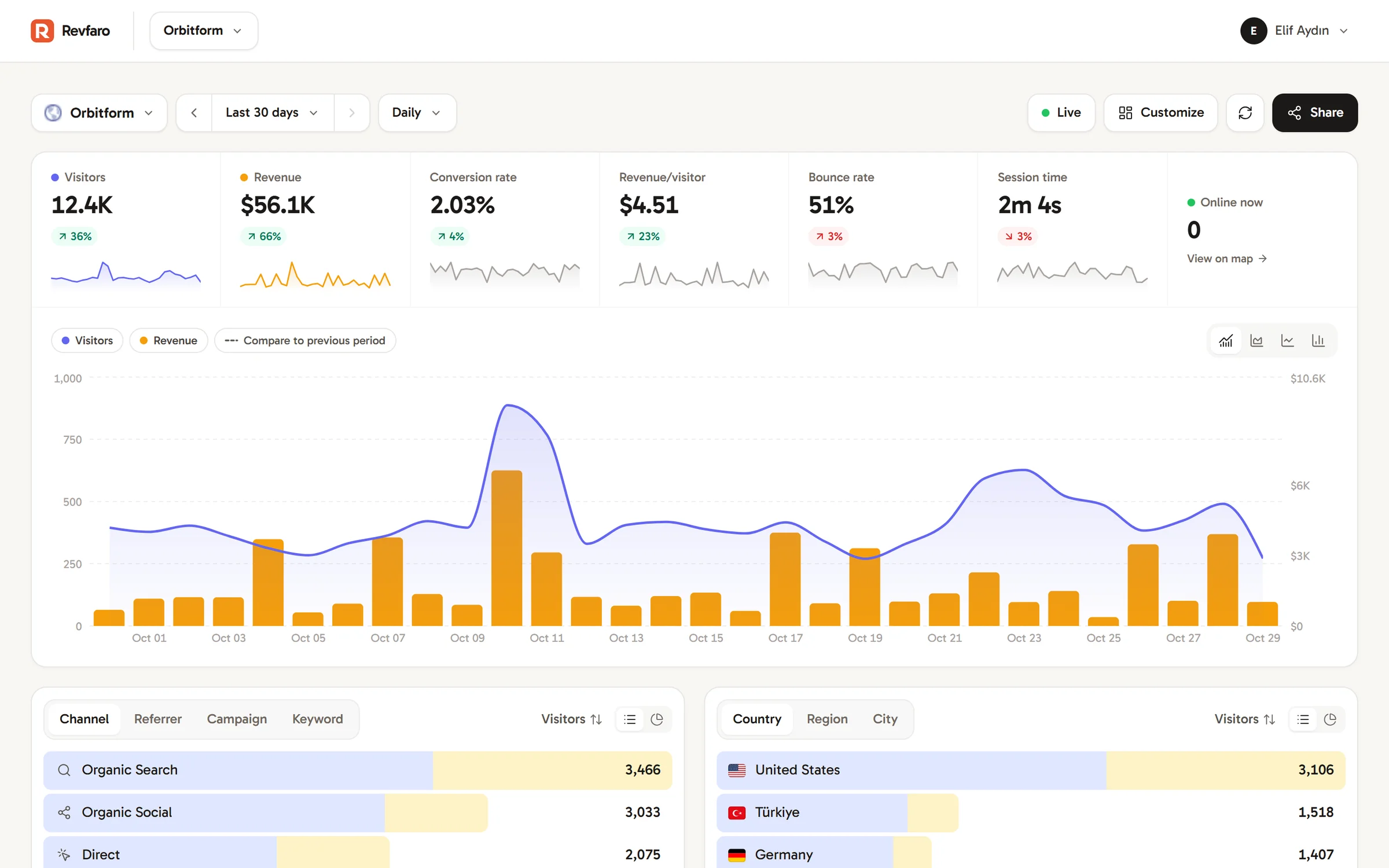
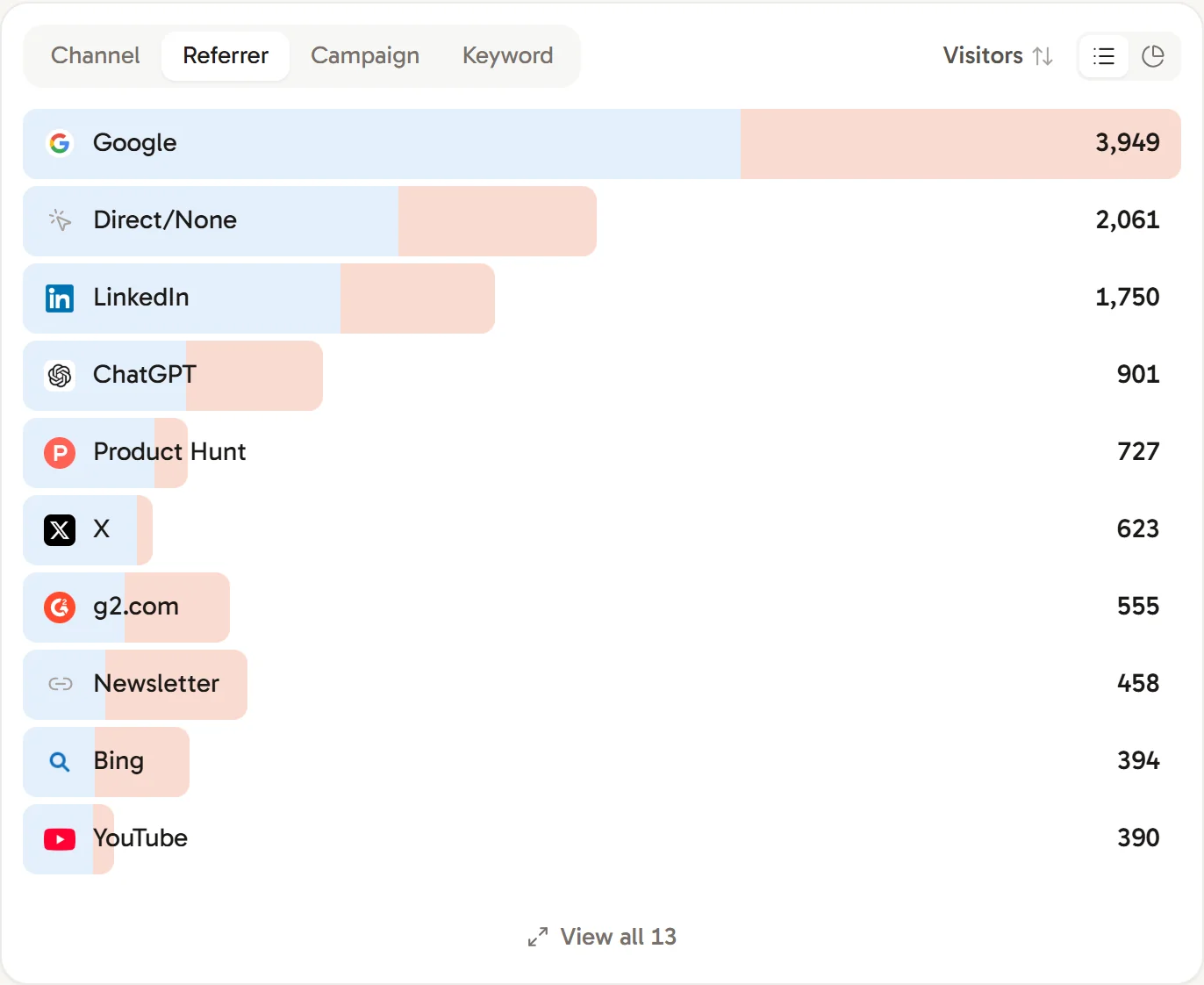
Attribution that follows the money
Compare traffic sources with the revenue linked to them. Revfaro uses checkout metadata and other matching signals, then attributes matched payments with a preference for the latest recorded non-direct visit.
- Channels: search, social, AI, email, referral, paid and direct
- Revenue, customers and conversion per source, page, country or device
- Click any row to filter the whole dashboard, payments included
- Compare any period with the one before it
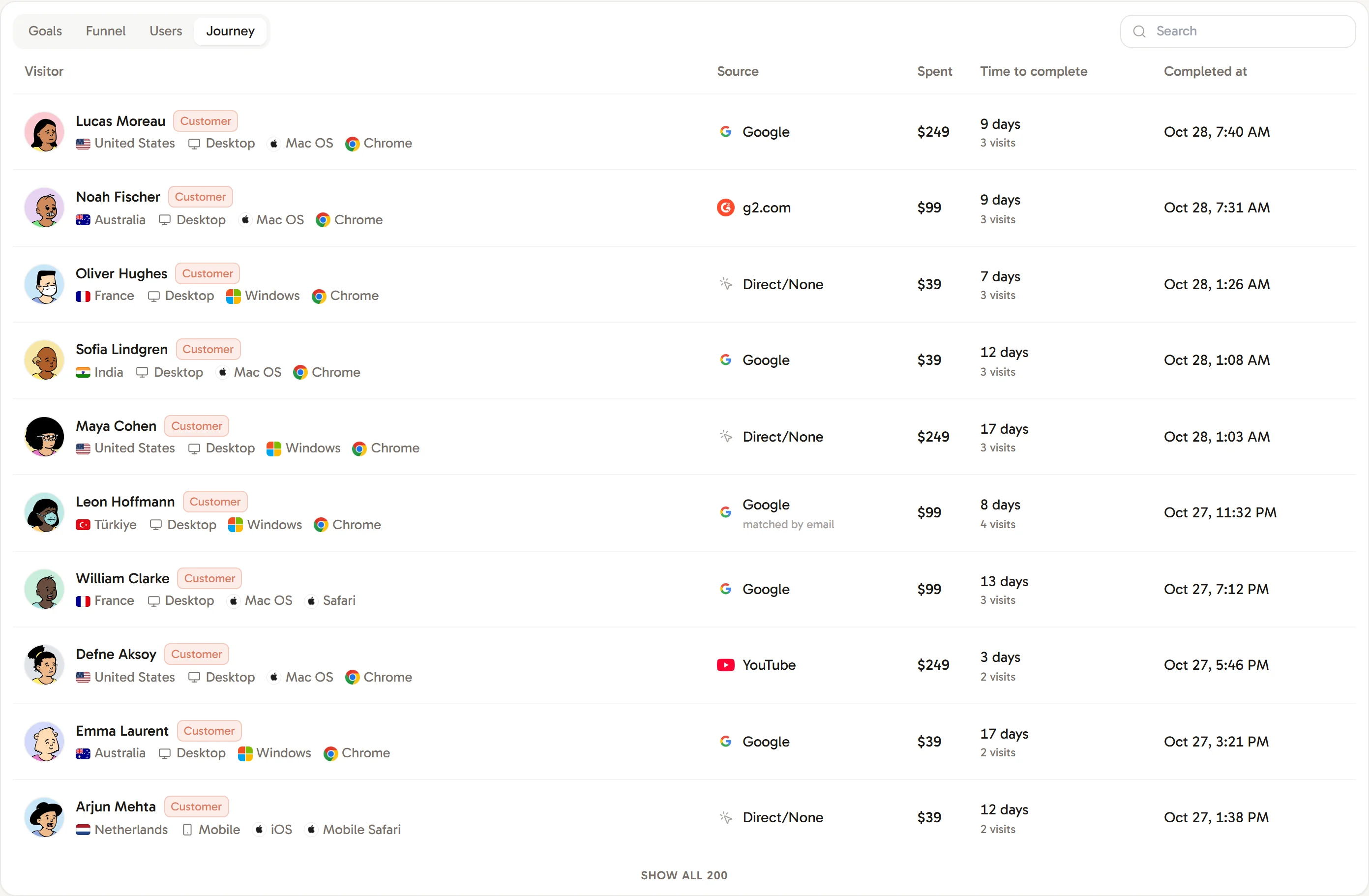
Understand the path to a customer
Explore tracked visits and payments linked to each customer. See their source, recorded revenue and time to convert, then open their timeline for the details.
- Campaigns, pages and goals along the journey
- Payment matching methods shown alongside the data
Give traffic the right context
Keep campaign notes beside the trends you are reviewing.
Notes on your traffic chart
Mark a launch, campaign or product change directly on the chart. Keep the date, author and revision history with each note.
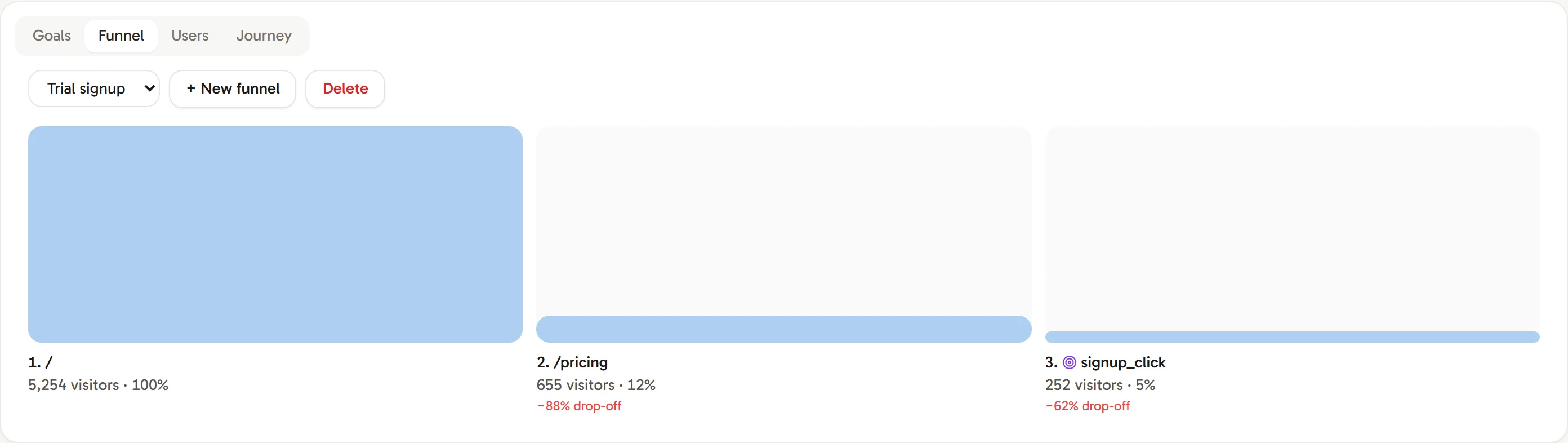
Find where visitors drop off
Track sign-ups, demo requests and other important actions as goals. Connect pages and goals in a funnel to see where you can improve the journey.
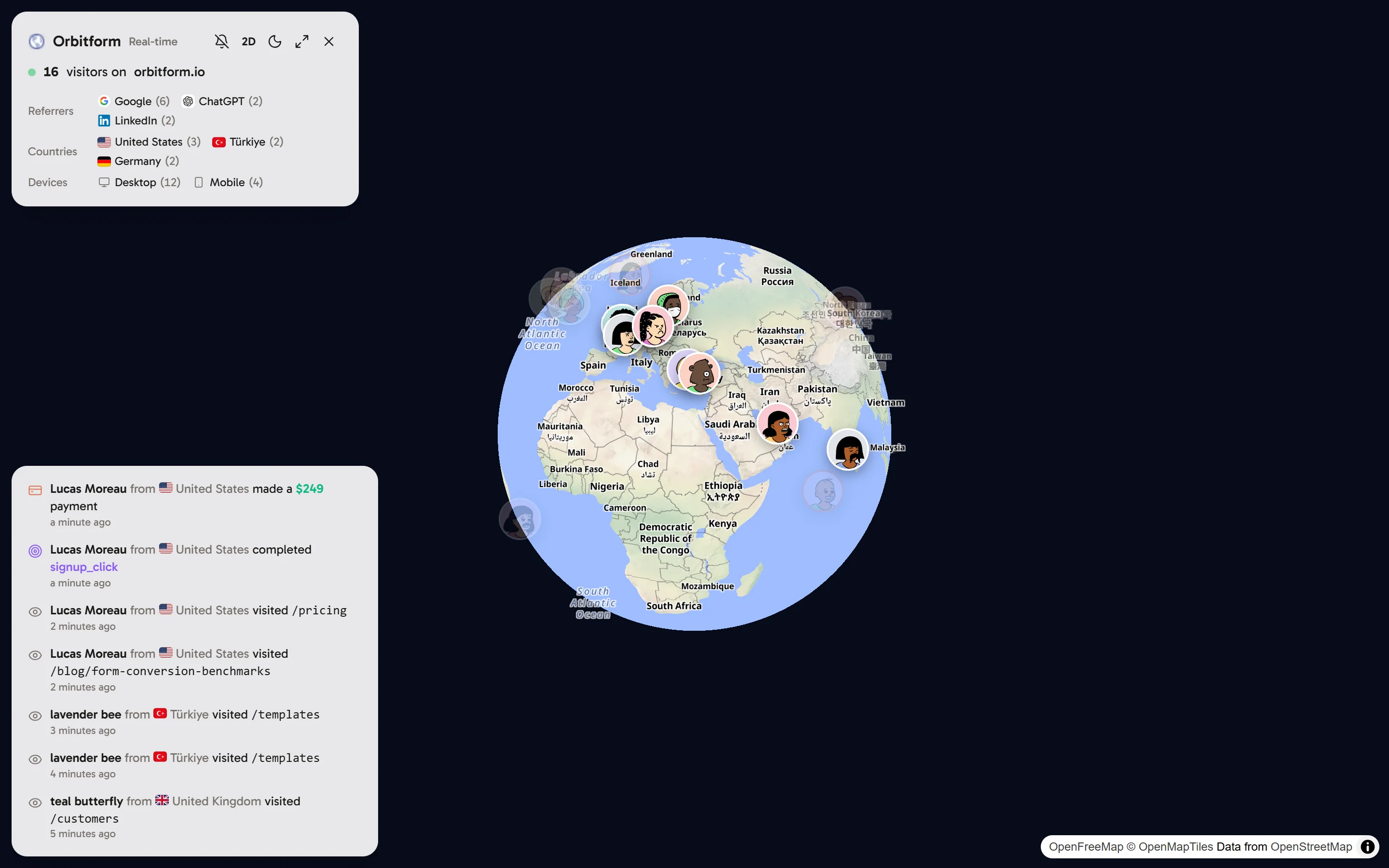
A live view for launches and campaigns
Follow recent tracked visitors on a 3D globe or flat map, with a feed of page views, goals and recorded payments. Keep launch and campaign activity in view.
- Visitors grouped by referrer, country and device
- Optional sounds for new visitors and payments
- Fullscreen, light and dark styles
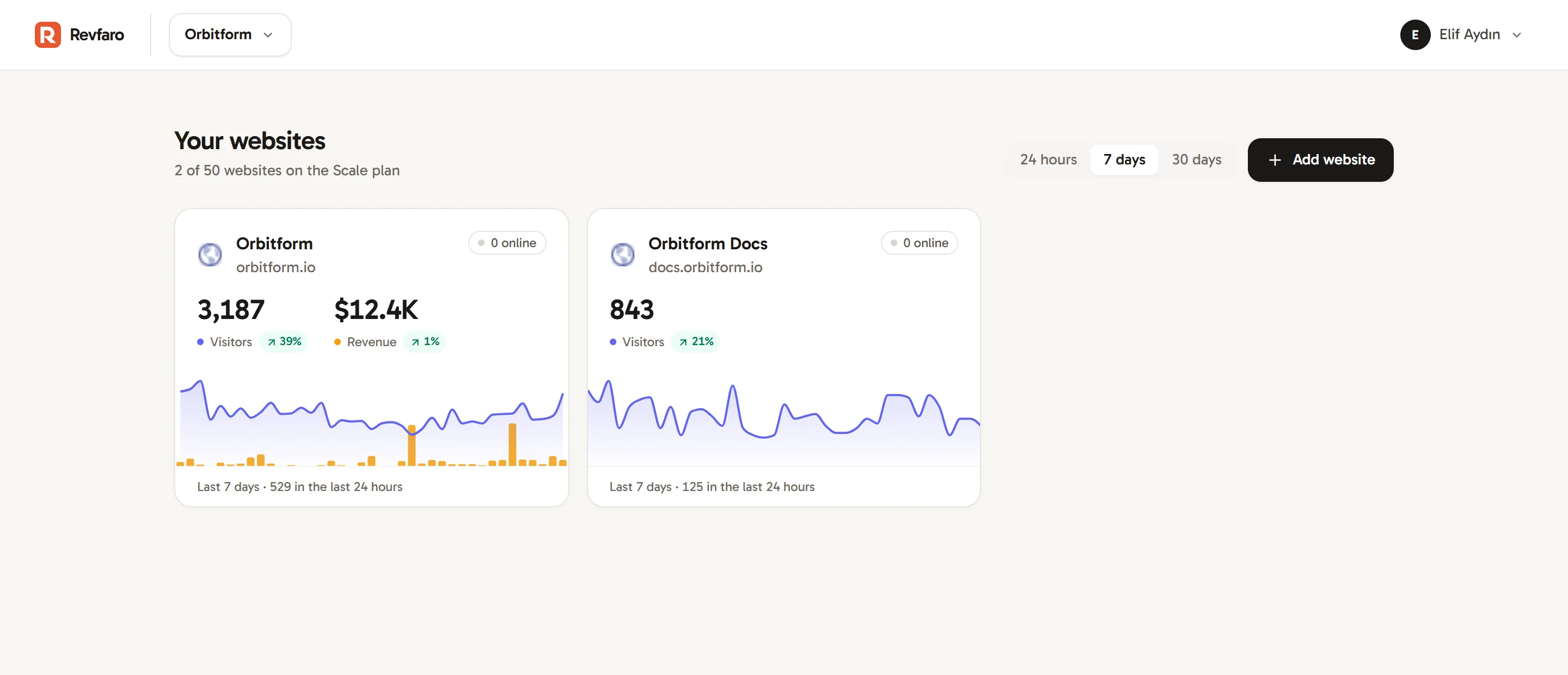
Every website in one workspace
Track your marketing site, documentation and app side by side. Each website has its own script, timezone, currency and payment connections.
- Visitors in the last 24 hours and online now for every site
- Separate API keys per website
- Stripe, Lemon Squeezy, Polar and Dodo webhooks, plus Telegram bot payment forwarding
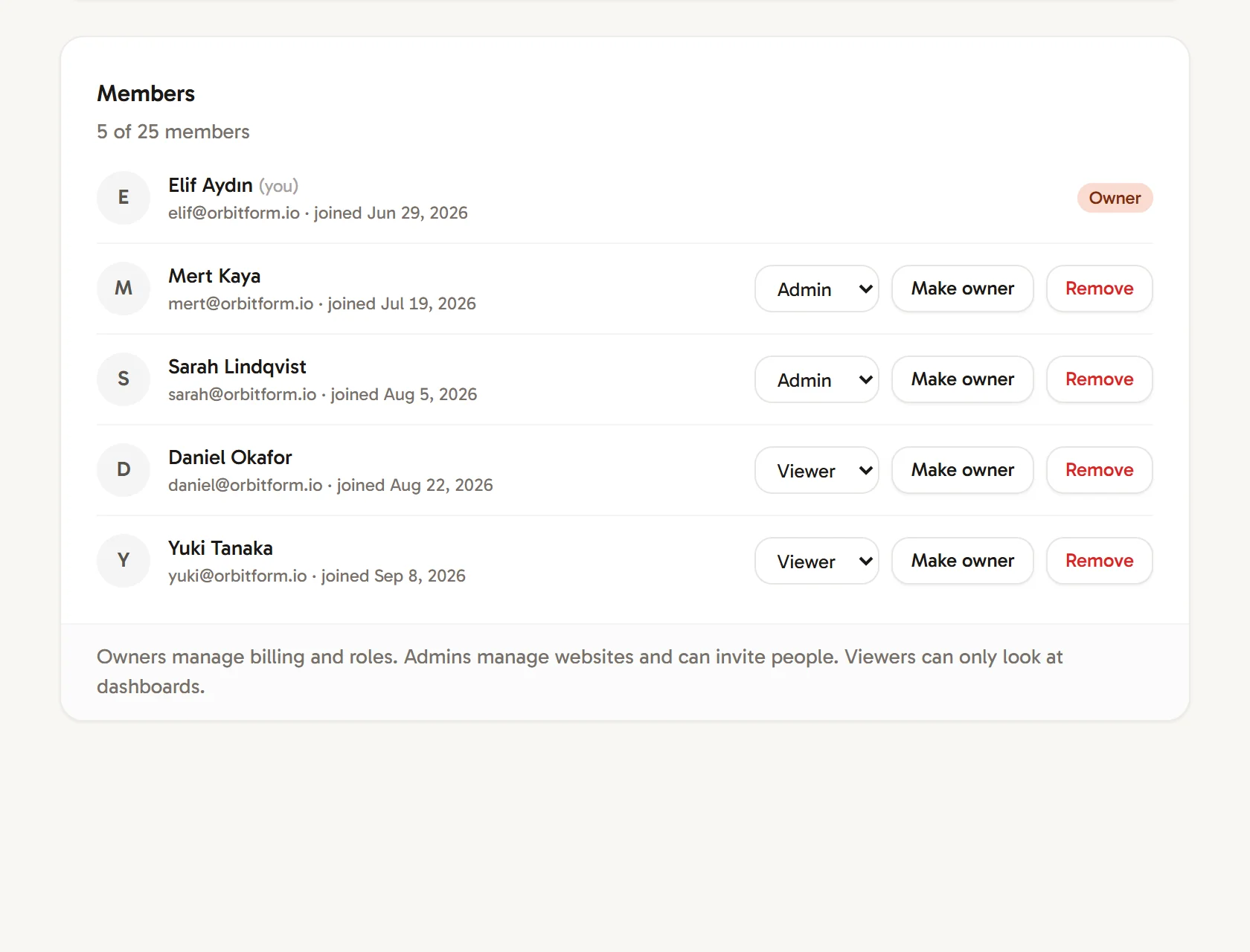
The right access for every team and client
Keep clients and business units in separate workspaces. Give members read-only access to all websites, or viewer and manager permissions for selected sites.
- Owners and admins manage workspace membership
- Site managers configure the websites assigned to them
- Read-only viewers cannot access integration secrets
- Review access changes and revoke invitations when needed
Fits the way you build
Add the tracking script or JavaScript SDK, connect a supported payment provider, or report goals and payments from your backend on plans with API access.
- Installation guide
Website tracking, cookieless mode and platform setup.
- Revenue setup guide
Payment connections and checkout attribution.
- Server-side API guide
Authentication, limits and API capabilities.
More ways to work with your data
Practical tools for tracking and reporting. Feature availability depends on your plan.
- Goal alerts
- Notify selected team members when an important conversion happens.
- Weekly reports
- Email summaries cover the websites each recipient can access, with preferences managed per workspace.
- Share cards
- Create a shareable chart image or an embed you can revoke later.
- Dashboard customization
- Arrange, resize and hide panels to focus on the questions that matter to your team.
- Privacy controls
- Choose standard or cookieless tracking and exclude internal visits before they reach your analytics.
- Campaign tracking
- Compare source, medium, campaign, term and content across your acquisition channels.
Questions about a specific setup? Ask our team.
Start measuring what every channel earns
Add your website, connect your payments and start understanding the path to a customer.