
Quick answer
Realtime analytics helps when an action needs immediate feedback: launching a campaign, validating tracking, detecting an outage, or confirming a conversion event. It should not replace cohort or revenue analysis.
Key takeaways
- Check page availability, collection and reporting separately.
- Use live traffic for immediate feedback, then review complete periods.
- Treat geographic estimates as approximate.
Distinguish presence from outcome
A live counter may show active sessions, recent events, or users detected in a rolling window, depending on the system. Those definitions differ. Someone who opens a tab and walks away may remain “active” when activity is inferred from page presence rather than engagement.
Document the window and refresh cadence. A report appearing several seconds behind the event stream may reflect processing latency rather than missing traffic.
Create a launch monitoring checklist
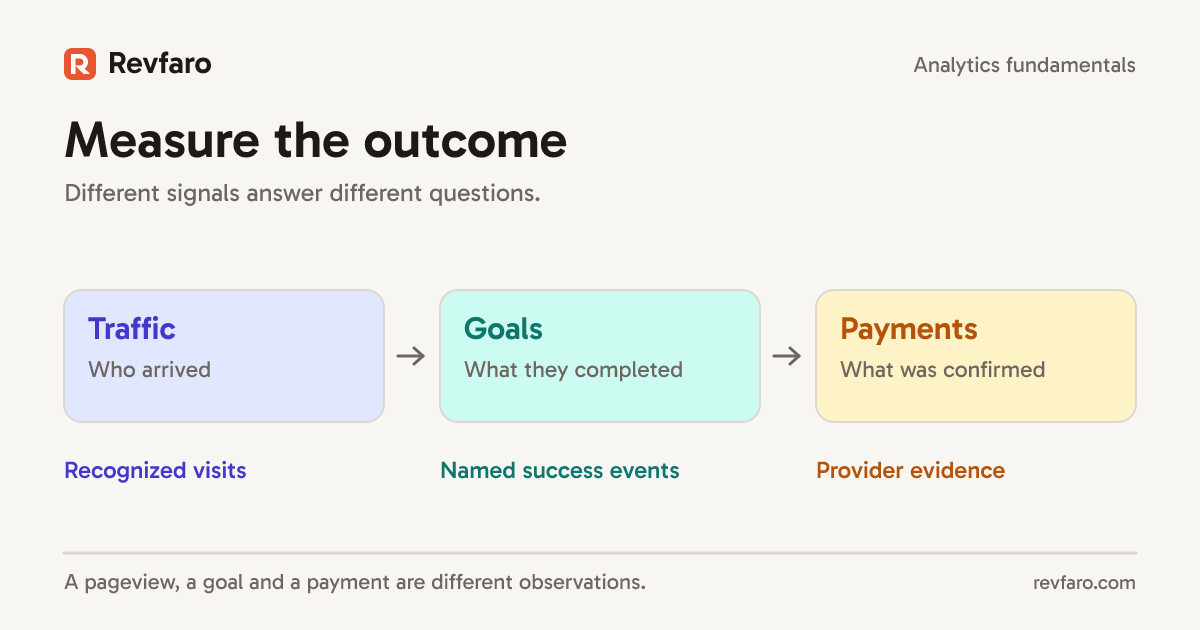
Before a campaign, verify that pageviews fire, UTM parameters persist, signup events trigger on success, and payment confirmation has an independent source. During the launch, compare incoming sources with your campaign links and watch for suspicious spikes.
Afterward, evaluate conversion quality over a complete period. Peak concurrent users are visually exciting but cannot tell you whether visitors subscribed.
Use live events for debugging
In an isolated test setup, open a test browser, visit a tagged URL, navigate through an SPA, and complete one clearly designated synthetic goal. Check event names and order. Inspect the aggregate report later to confirm that events landed in the expected reporting window.
When nothing appears, inspect consent state, blockers, client errors, network requests, and server responses before assuming the analytics service failed.
Be careful with location maps
Country and city estimates are useful aggregates, not proof of exact location. Do not present a globe as GPS tracking. Restrict visitor-level access and avoid identifiable journeys in public widgets. A geographic chart should serve a decision, such as localization or launch timing.
Use a release observation sheet
Before a launch, record the release time, landing URL, expected campaign values and responsible operator. During the launch, keep three separate observations: whether the website responds, whether the collector accepts eligible requests, and whether the report shows the expected data after processing. One observation cannot substitute for all three.
For example, an HTTP 200 page can still have a blocked analytics request. A successful collection response can precede a report refresh. A busy map can reflect previously received activity rather than a successful new deployment. Save timestamps and browser network evidence before escalating.
Revfaro's Live view is useful for checking recent activity. Use installation verification for a repeatable setup check, and keep any synthetic activity out of commercial reporting. Location is approximate: a city label or globe point does not expose a person's GPS position or prove their physical address.
Related reading
- Micro-Conversions: How to Track Intent Before a SaaS Purchase
- Bounce Rate vs Engagement Rate: What SaaS Teams Should Use
- Website Analytics for SaaS Founders: What to Measure First
Frequently asked questions
Does realtime analytics improve conversion rates?
Not by itself. It shortens feedback loops; improvements come from reliable observations and effective changes.
Can realtime traffic measure SEO success?
Only as a quick signal. Search performance and qualified conversions need longer reporting windows.