
Quick answer
An analytics audit verifies that your data describes what happened. In thirty minutes, test the critical user path, identify duplicate events, confirm campaigns, and check whether purchases come from a trusted source.
Key takeaways
- Record expected results before running the audit.
- Separate browser payload checks from server delivery checks.
- Keep synthetic payments and private data out of live reports.
First ten minutes: test traffic
Open a tagged URL in a clean test browser. Confirm one pageview, the correct landing page, and preserved UTM values. Navigate to a second page; for an SPA, test a client-side route change. Repeat with consent declined if your system supports that choice; expected capture depends on your policies and configuration.
Verify that staff activity is labeled or excluded consistently. Check timezone, registered domain, and internal hostnames.
Next ten minutes: test conversions
Perform a complete synthetic signup and activation. Validate event names, success conditions, timestamps, and deduplication. If the funnel displays impossible transitions, inspect instrumentation before changing visual reports.
Avoid collecting email addresses, secrets, and sensitive form details as event properties. A small safe schema is easier to maintain.
Final ten minutes: reconcile revenue
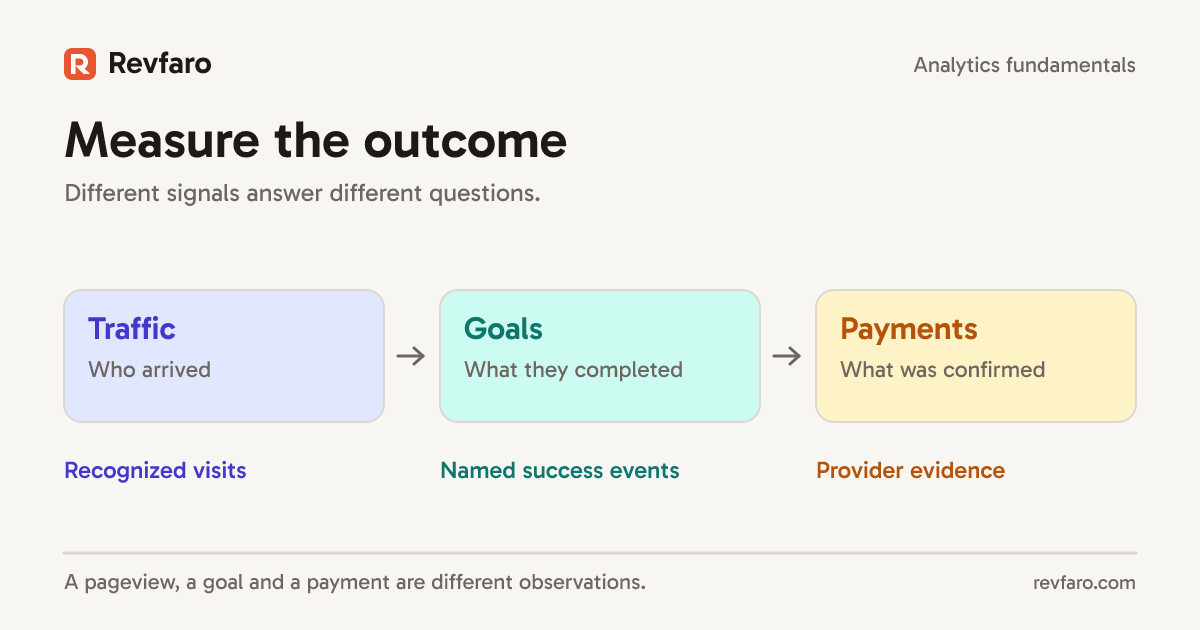
In an isolated integration test environment, reconcile one verified test transaction with the payment system, then compare reported revenue. Keep synthetic transactions out of the production analytics ledger. Check webhook signatures, duplicate event handling, refund accounting, currency units, and unattributed purchases. Do not confuse a browser return URL with payment success.
Save evidence for each check and assign an owner to failures. That makes the audit repeatable after deployment.
Turn the audit into a release gate
Repeat tests for SPA routes, pageviews, goals, UTMs, bots, and tenant boundaries after SDK, cookie, routing, or checkout changes. Run a separate monthly reconciliation against authoritative billing records. A reliable small dashboard beats a beautiful inaccurate one.
Keep a pass-or-fail evidence table
The goal of a short audit is to find a specific failure, not to certify that every possible journey works. Use a record such as this:
| Check | Expected observation | Evidence |
|---|---|---|
| Initial page | One pageview for the chosen route | Captured request and matching route |
| SPA transition | One additional pageview | Before/after path and count |
| Success goal | One event after confirmed success | Goal name and triggering action |
| Private query | Sensitive parameter absent | Redacted outbound payload inspection |
| Revenue handoff | Trusted identifier reaches provider workflow | Isolated test receipt, not a browser redirect alone |
Revfaro's verification guide provides the collection checks. Keep request bodies and screenshots sanitized before sharing an audit. Browser tests that intercept the collector prove what the SDK would send; they do not prove that the live analytics service stored it. Record that distinction alongside the result so a later reviewer can repeat the missing part deliberately.
Related reading
- Visitor Journey Analytics: From First Click to Paid Customer
- Website Analytics for SaaS Founders: What to Measure First
Frequently asked questions
How often should a small SaaS audit analytics?
Run smoke tests after tracking or checkout changes, plus a monthly review of key metric integrity.
What is the highest-risk revenue analytics error?
Treating an unverified browser event as a successful payment can misstate revenue and marketing results at once.