Tracking
Cookieless mode
Use Revfaro's cookieless script to track visits without cookies or anything stored on the device, and understand what changes for visitors and revenue.
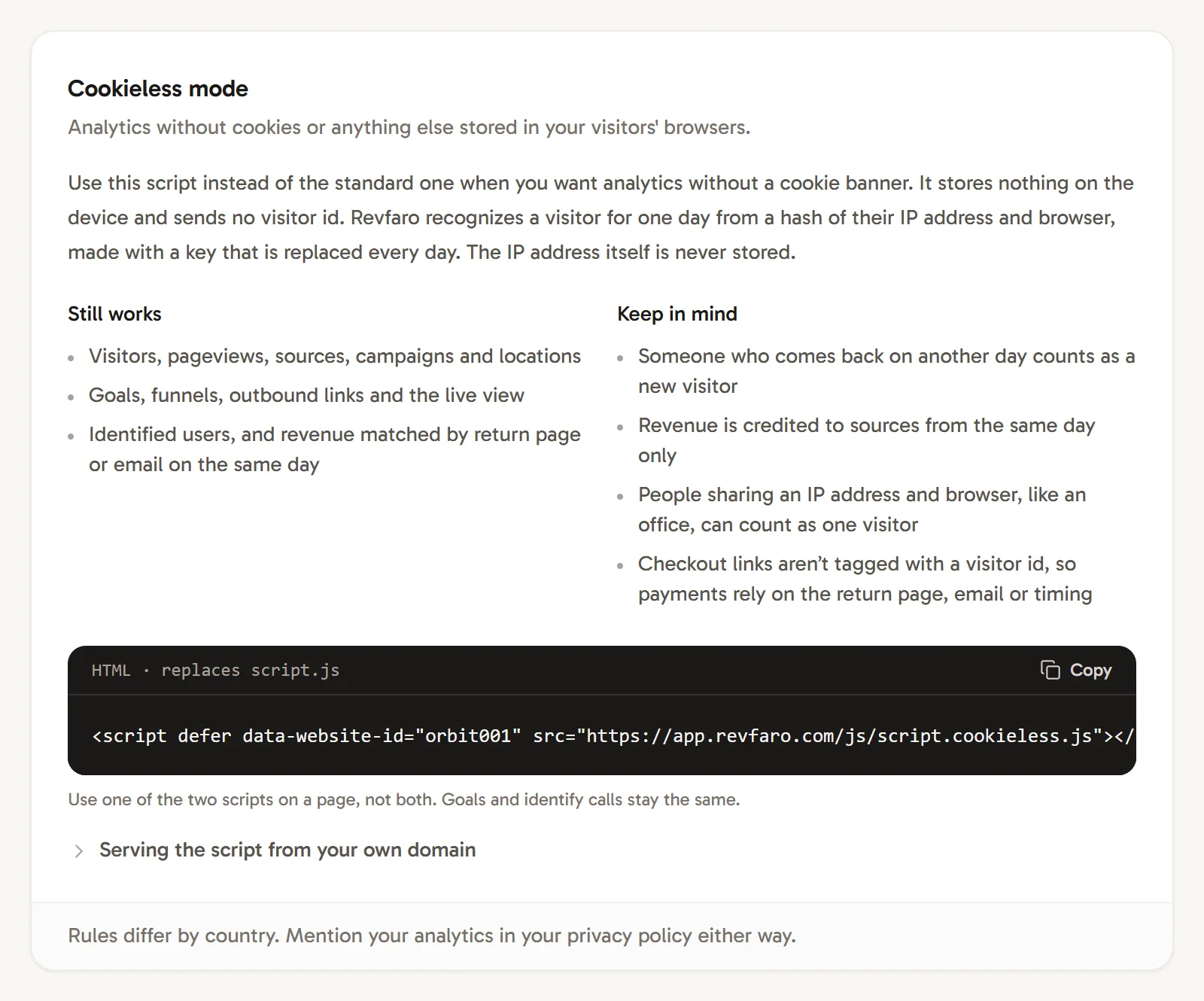
In short
The cookieless script (script.cookieless.js) stores nothing in your visitors' browsers and sends no visitor ID. Revfaro recognizes a visitor for one day from a hash of their IP address and browser, made with a key that is replaced every day; the IP address itself is never stored. Visits, sources, goals and the live view work as usual, but someone who returns on another day counts as a new visitor, and revenue is credited only to sources from the same day.
On this page
- Switch to the cookieless script
- Copy the cookieless snippet
- Replace the standard script
- Keep your goals and identify calls
- Use the cookieless npm entry
- How does Revfaro count visitors without cookies?
- What still works
- What to keep in mind
- Site on a shared host?
- Serve it from your own domain
- Frequently asked questions
Use cookieless mode when you want analytics without storing anything on your visitors' devices: no cookies, no local storage, no session storage.
Switch to the cookieless script
Copy the cookieless snippet
Open Website settings › Tracking. The Cookieless mode card has the snippet with your website ID:
HTML<script defer data-website-id="YOUR_SITE_ID" src="https://revfaro.com/js/script.cookieless.js"></script>Replace the standard script
Put it where the standard
script.jstag was, in the<head>of every page. Use one of the two scripts on a page, never both.Keep your goals and identify calls
data-rf-goalattributes,window.revfaro('goal', …)andwindow.revfaro('identify', …)work exactly the same. Nothing else changes in your code.
Use the cookieless npm entry
For an npm installation, import init from
revfaro/cookieless instead of revfaro. Your goal and identify methods stay the same. Use one
tracking mode per page and remove an existing hosted script when switching to npm.
How does Revfaro count visitors without cookies?
For each event, Revfaro computes a hash of your website ID, the visitor's IP address and their browser (user agent), using a random key that is replaced every day (UTC) and then deleted. The same person on the same day produces the same hash, so their pages and visits belong together. The IP address and user agent are not stored, and the same person can't be linked across days or across your websites.
What still works
- Visitors, page views, visits (30 minutes without activity end a visit), sources, campaigns and locations
- Goals, funnels, outbound links and the live view
- Identified users with
identify - Revenue matched on the same day by the return page (
?session_id=,?payment_id=,?checkout_id=,?order_identifier=), an identified email or checkout timing
What to keep in mind
- Returning visitors aren't recognized. Someone who comes back on another day counts as a new visitor, so there are no returning-visitor numbers.
- Revenue is credited to the same day only. A tweet clicked on Monday doesn't get credit for a purchase on Wednesday.
- Shared connections can merge. People on the same IP address with the same browser version, such as an office network, can count as one visitor that day.
- No visitor ID for your checkout. Checkout links aren't tagged,
window.revfaro.attribution()returns an empty object, and your server can't send a visitor ID to the Payments API or the Goals API. Set up the return page of your payment provider (step 3 of each provider guide) and call identify so payments still find their visitor.
Site on a shared host?
Without cookies, the script guesses your root domain from the page's address (example.com for blog.example.com), to tell your own links from outbound clicks. On a shared host such as name.vercel.app or name.netlify.app that guess is too wide, so tell the script your domain:
<script defer data-website-id="YOUR_SITE_ID" data-domain="name.vercel.app" src="https://revfaro.com/js/script.cookieless.js"></script>Serve it from your own domain
To get past ad blockers, point a rewrite at /js/script.cookieless.js; the card's Serving the script from your own domain section has the code. Your proxy must pass on the visitor's IP address, which cookieless mode relies on; see how the proxy works.
Frequently asked questions
Do I need a cookie banner for Revfaro?
Revfaro can't give legal advice, and rules differ by country. The cookieless script stores nothing on the visitor's device, which is what most cookie rules are about. Either way, mention your analytics in your privacy policy.
Can I switch from the standard script to cookieless mode later?
Yes. Replace the script tag and Revfaro starts counting the cookieless way. The cookies the standard script already set expire on their own. Your existing data stays.
Does revenue attribution work without cookies?
Yes, with limits. Payments are matched by your checkout's return page, an identified email or checkout timing, and only to a visit from the same day. Checkout links aren't tagged with a visitor ID, because there is none.