Get started
Quick start
Go from a new Revfaro account to your first tracked visitors in about five minutes, then connect payments to see revenue by channel.
In short
Create an account and a workspace, add your website, paste the script into your site's <head> and open your site once. Your first visit shows up within seconds. Then connect your payment provider so payments are credited to the channels that brought them.
On this page
This guide walks you through the whole setup once. Each step links to a page with more detail.
Create your account
Go to Start free trial, enter your name, email and a password of at least 8 characters, and click Create account (or use Sign up with Google when it is offered). Confirm your email address with the link Revfaro sends you.
Create your workspace
A workspace holds your websites, your plan and your team. Give it a name, such as your company's, and click Create workspace. Your first workspace starts a free trial. No credit card is needed.
Add your website
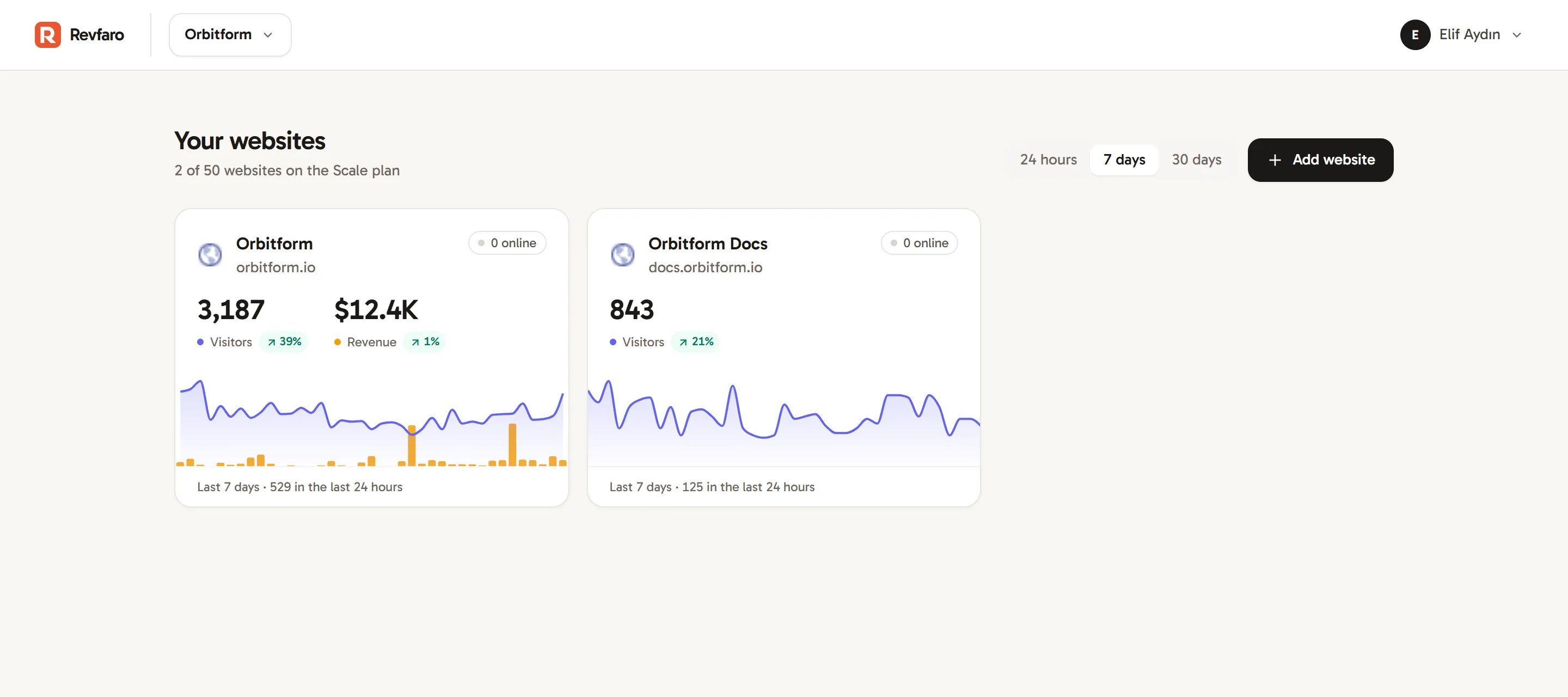
On Your websites, click Add website. Enter your domain (for example
example.com), a name, your timezone and the currency you sell in, then click Add website. See Add a website for what each field does.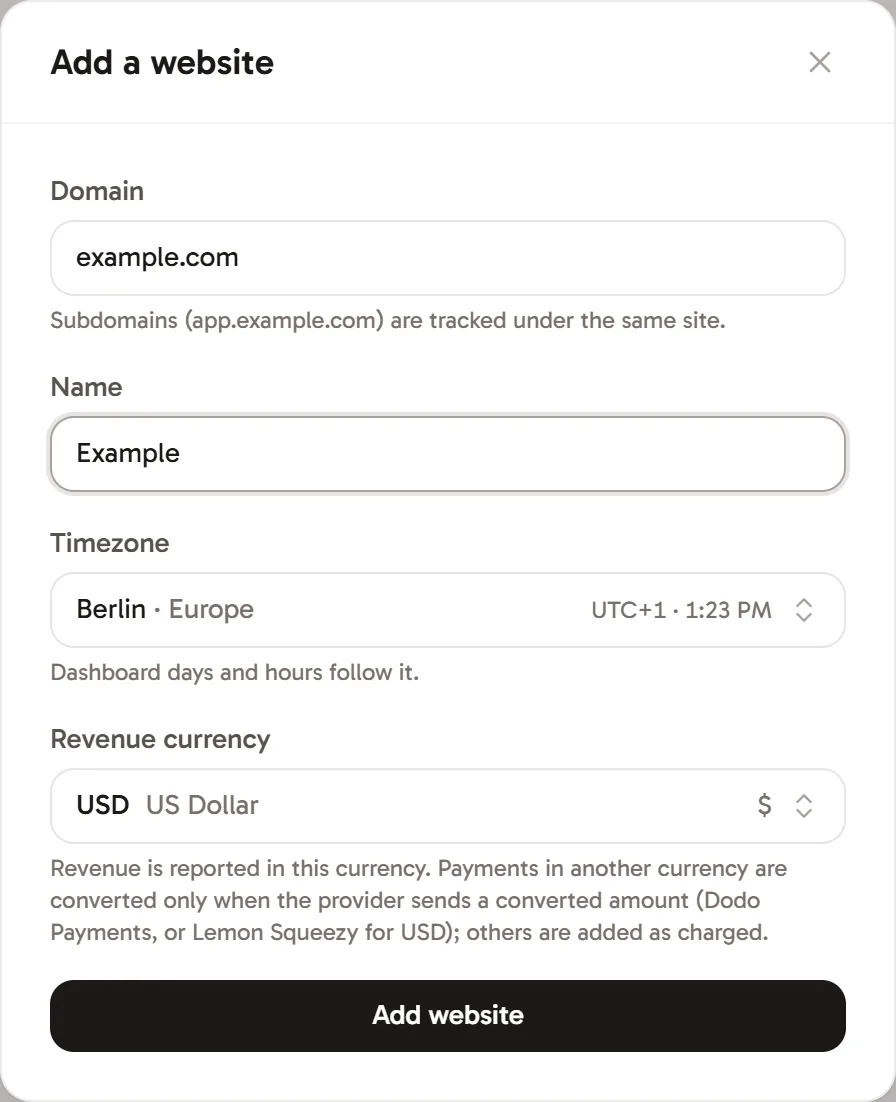
Add a website: the domain decides which pages are recorded. Install the script
Revfaro opens the website's Setup tab. Copy the script from Install the script and paste it into the
<head>of every page of your site. It looks like this, with your own website ID:HTML<script defer data-website-id="YOUR_SITE_ID" src="https://revfaro.com/js/script.js"></script>Using a website builder or a framework? Install the tracking script has instructions for Next.js, WordPress, Webflow, Framer, Shopify, Google Tag Manager and more. You can also click Copy AI prompt and paste it into Claude Code or Cursor to have it installed for you.
Check that visits arrive
Open your website in a browser. Back in the Setup tab, click Check again: the Install the script step shows a green check and the number of visitors in the last 24 hours. Open the dashboard and click Live to watch your own visit. If nothing shows up, see Verify your installation.
Connect your payments
In Connect payments, pick your provider (Dodo Payments, Stripe, Lemon Squeezy, Polar, Telegram, or Other / API) and follow the steps shown. Telegram uses verified updates forwarded by your existing bot server; see Connect Telegram. Payments are linked to visitors and their sources when attribution is available. See Revenue attribution.
What to set up next
- Track goals such as sign-ups and demo requests, so you can see which sources convert.
- Identify signed-in users to see real names in journeys and match more payments.
- Exclude your own traffic and staging sites.
- Invite your team as members with selected website access, or as admins for full workspace management.
Frequently asked questions
How long does it take to set up Revfaro?
About five minutes for tracking. Webhook connections are configured in your payment provider's dashboard. Telegram forwarding and custom payment integrations also need server code, so their setup time depends on your application.
Do I need a credit card to try Revfaro?
No. Your first workspace starts with a free trial, and no card is needed to start. The pricing page shows how long it lasts.
Why don't I see my first visit?
Make sure the script is on the page you opened, that the page is on your website's domain (not localhost), and that you haven't excluded yourself with ?rf_ignore=true. Verify your installation lists every check.